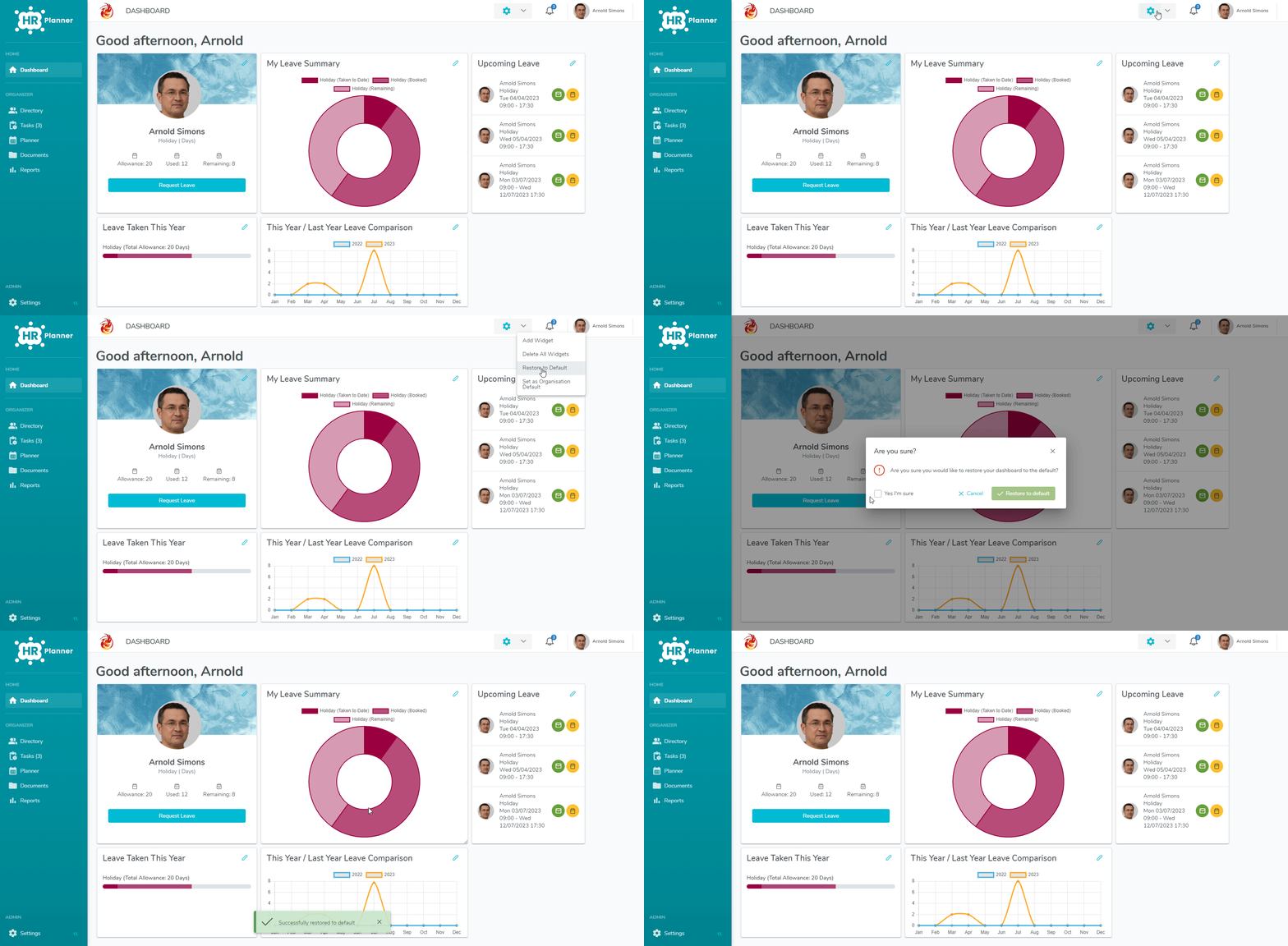
If you make any mistakes with the widgets and have no way to remember how it was all laid out then have no fear as this simple guide will show you how to recover them.
Reset Widgets Back To Default
- Go to Dashboard and click on the Cog .
- Click on Restore to Default.
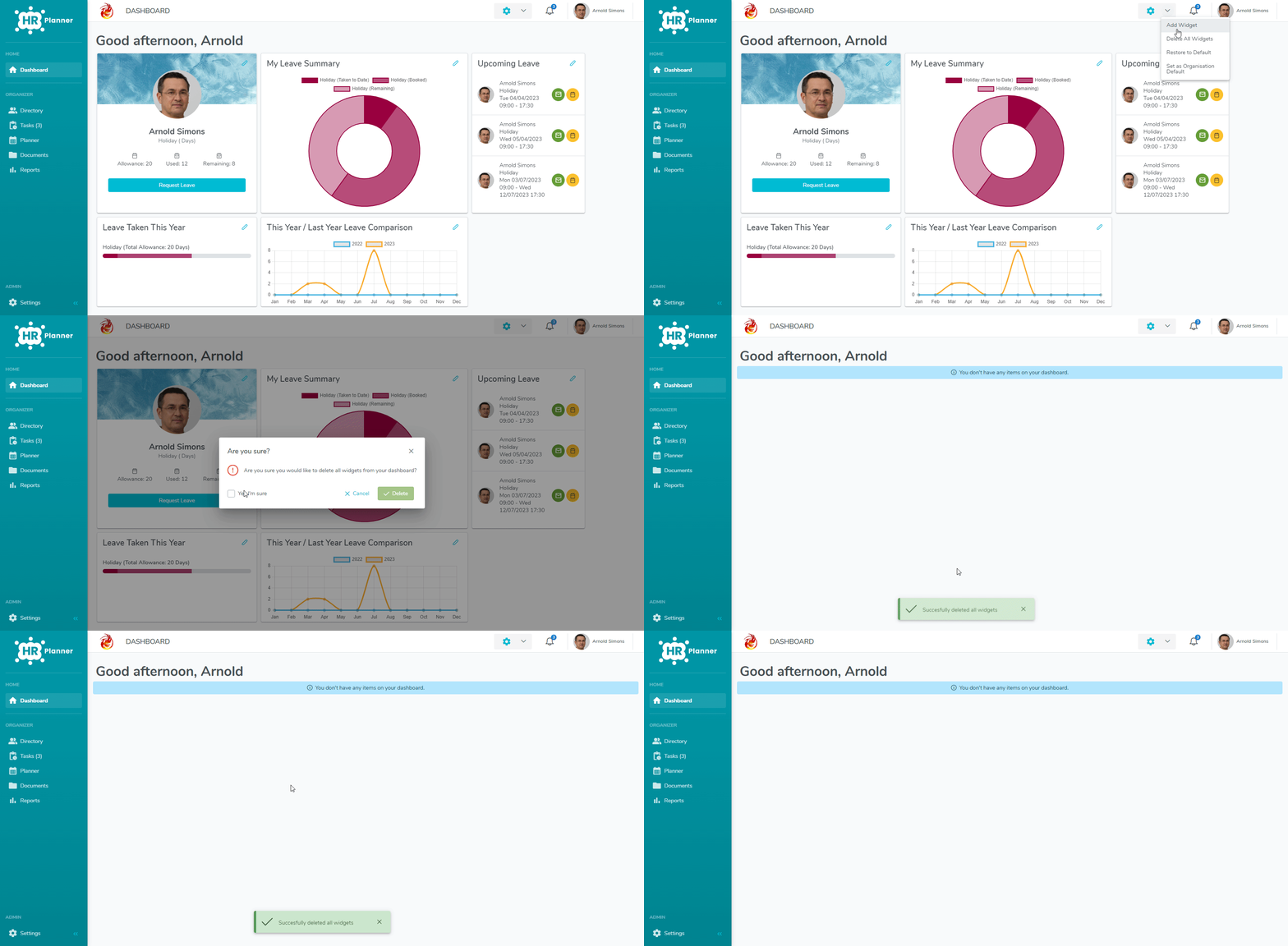
Remove All Widgets:
Have you added too many widgets and now want to start with a blank canvas? If that’s the case, then follow this simple guide on removing them all with one click!
- Go to Dashboard and click on the Cog.
- Click on Delete All Widgets.