iCal feeds are a standard calendar format that allow you to get a feed from an online calendar. Before you can use them they must first be enabled by your Administrator and you must also have the Planner->iCAL Feed permission.
iCal Feeds are obtained from the Shared and Private Planner Views as these define who and what you want to see. You need to get the iCAL Feed URL for the Planner View to use it with something like Gmail, Hotmail or Outlook.
iCal Feed from Private Planner Views
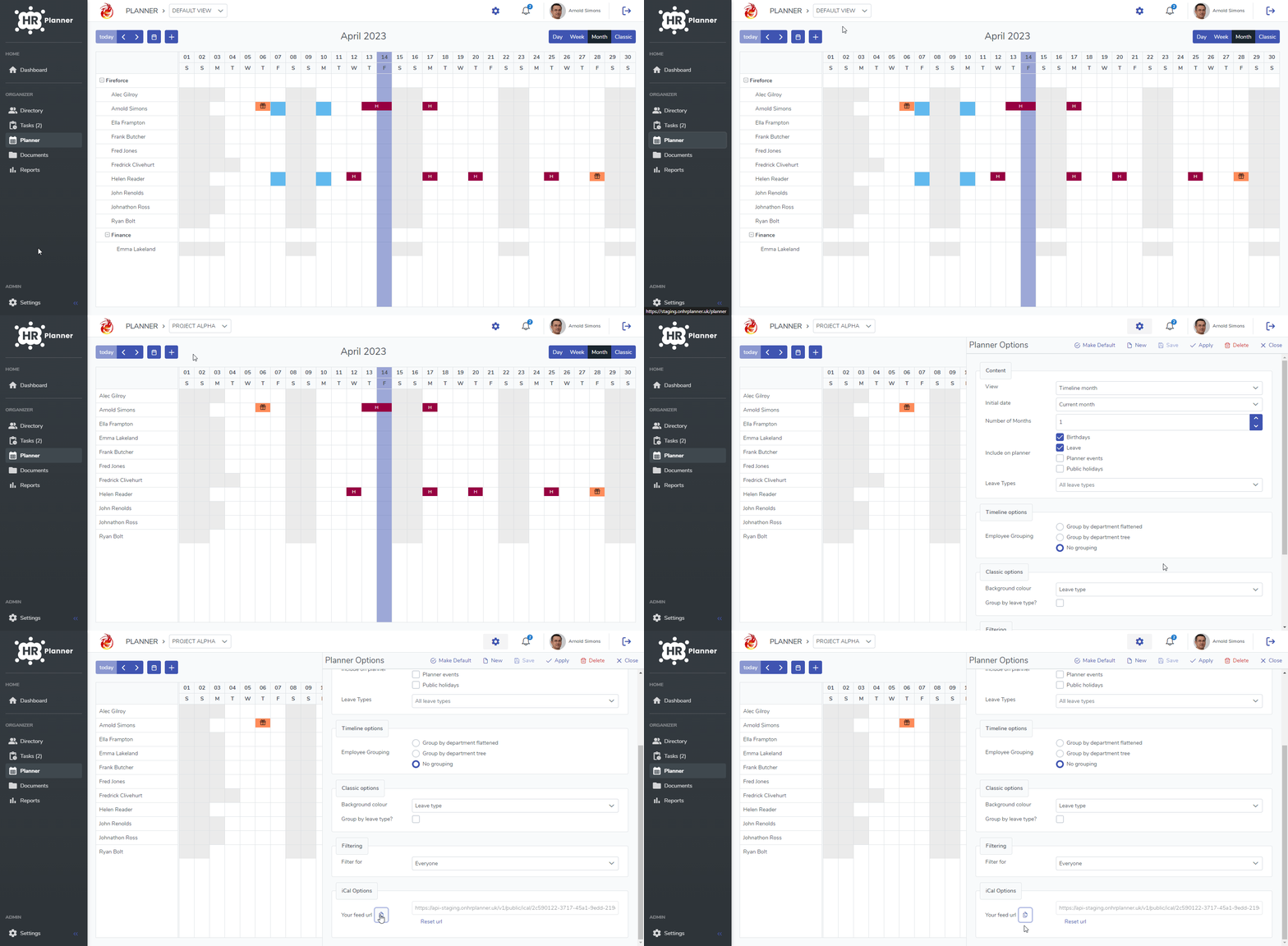
To get the iCal feed URL please follow these steps:
- Go to Planner.
- Select the required Planner View from the list at the top.
- Click the Cog on the top right hand side.
- Scroll to iCAL Options at the bottom and either copy or enable the iCal feed.
iCal Feed from Shared Planner Views
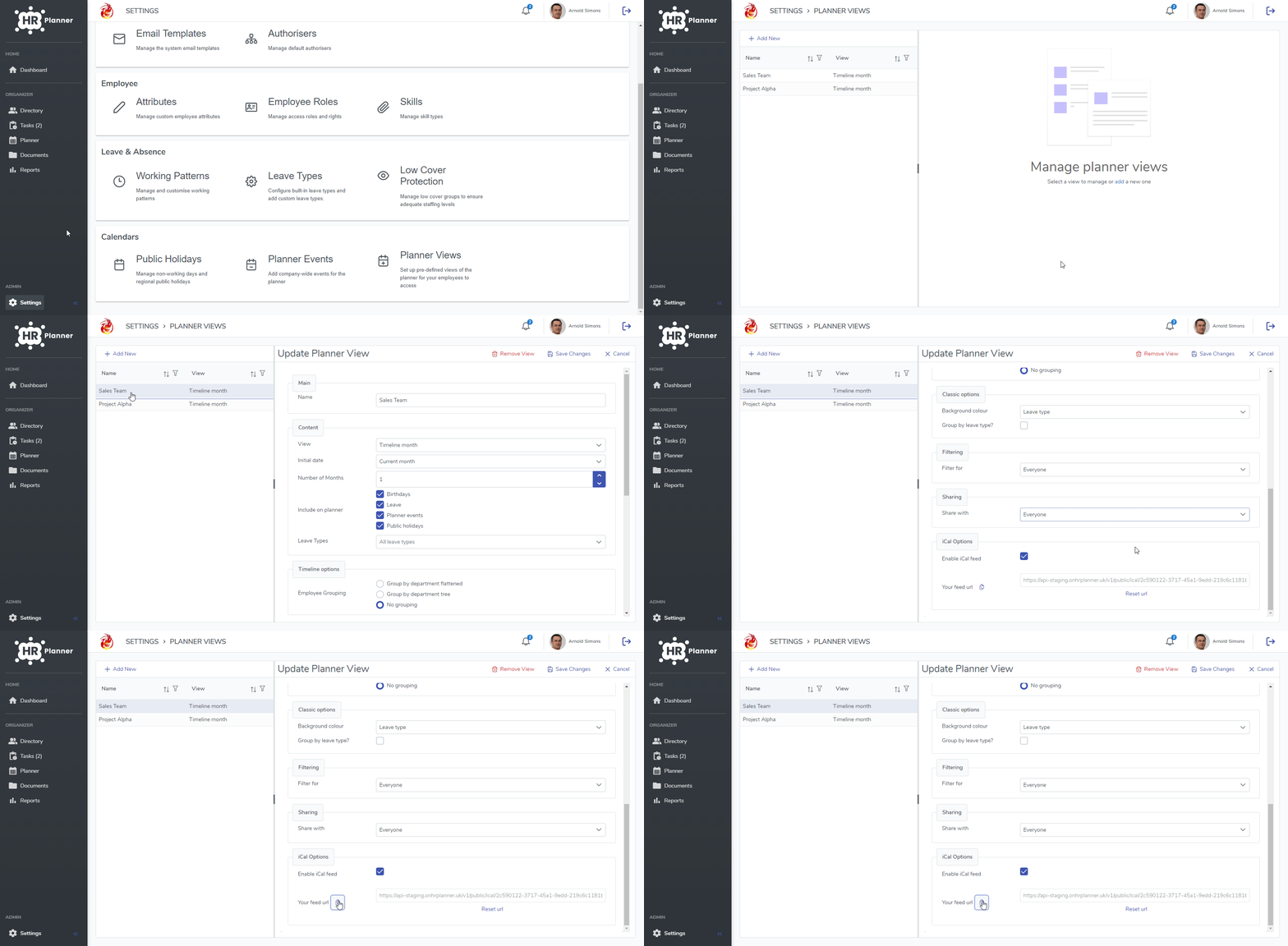
To get the iCal feed URL please follow these steps:
- Go to Settings and then Planner Views.
- Select the required Planner View from the list on the left.
- Scroll to iCAL Options at the bottom and either copy or enable the iCal feed.
Using iCal feeds with Outlook Desktop
In your Outlook Calendar select the “Add” menu and then “From Internet…” as follows:

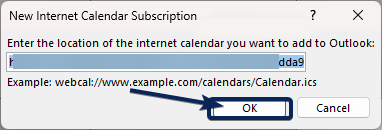
Paste the URL from your Planner View into Outlook
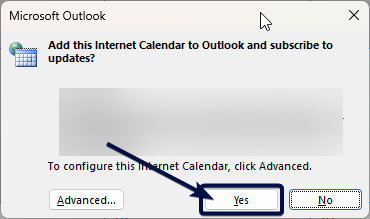
Answer Yes to the next box