
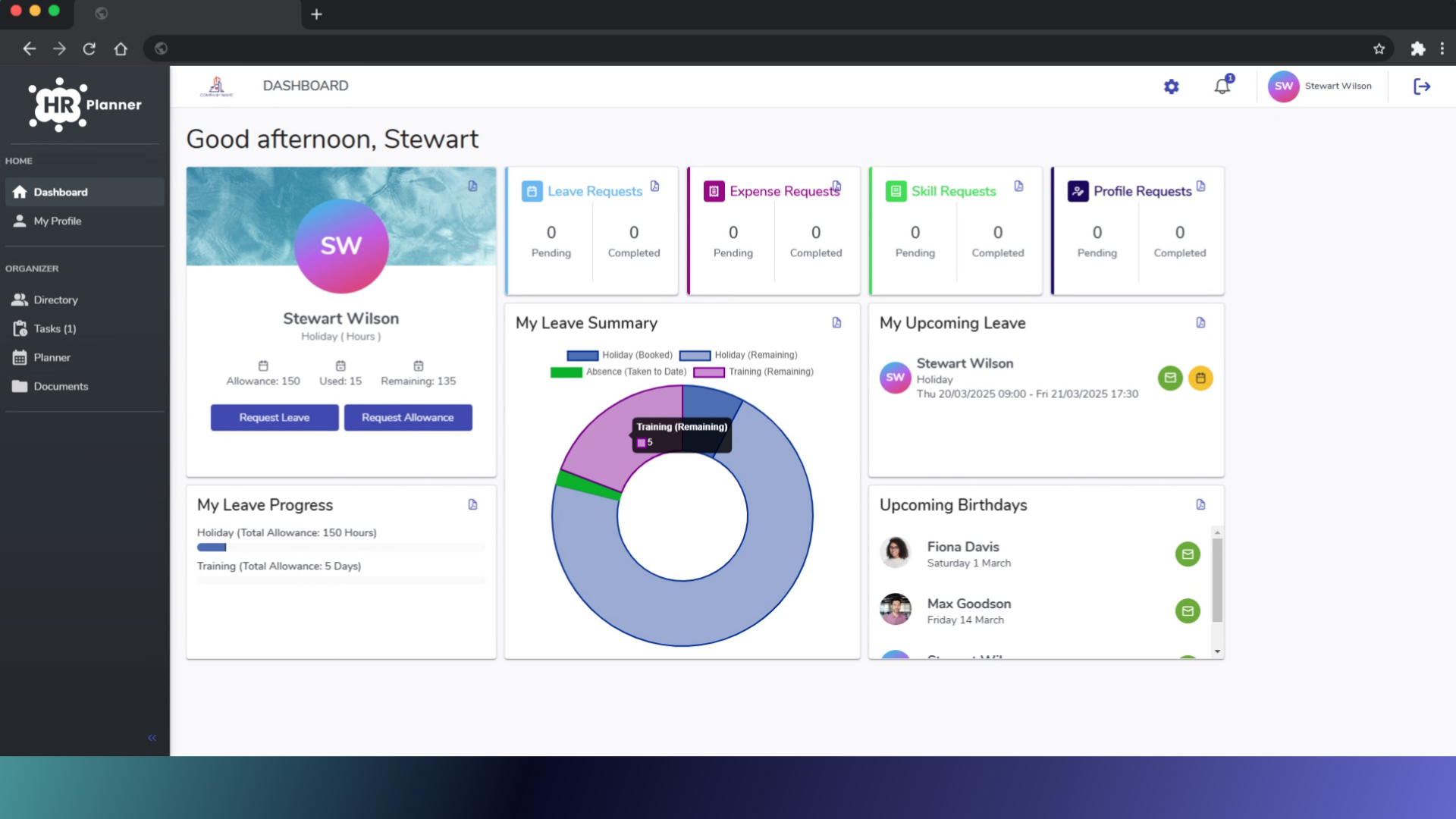
Learn how to efficiently request leave directly from the calendar in HR planner.
1. Introduction
Follow these simple instructions to streamline your leave management process.
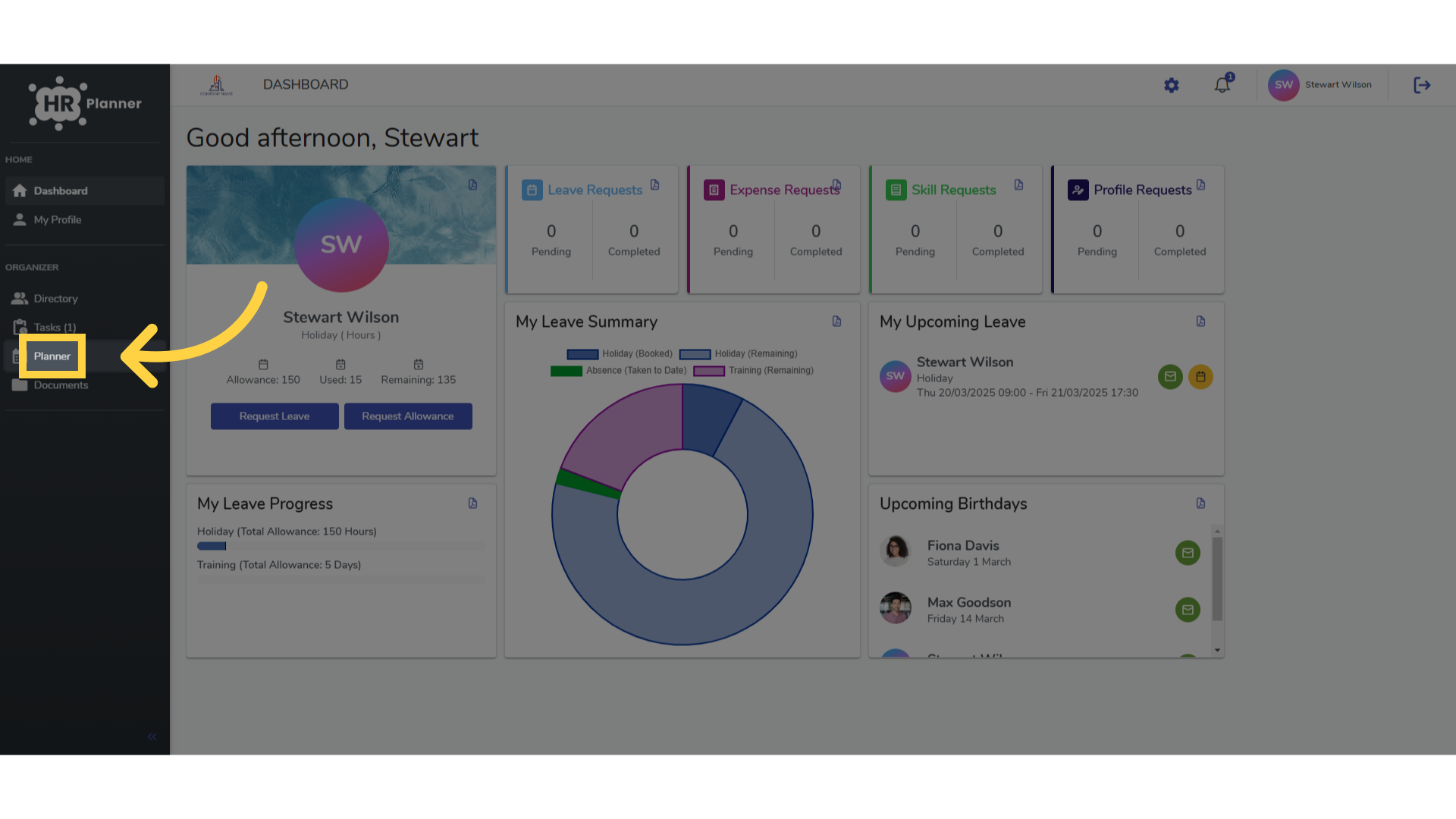
2. Click “Planner”
Access the calendar by clicking on “Planner”.
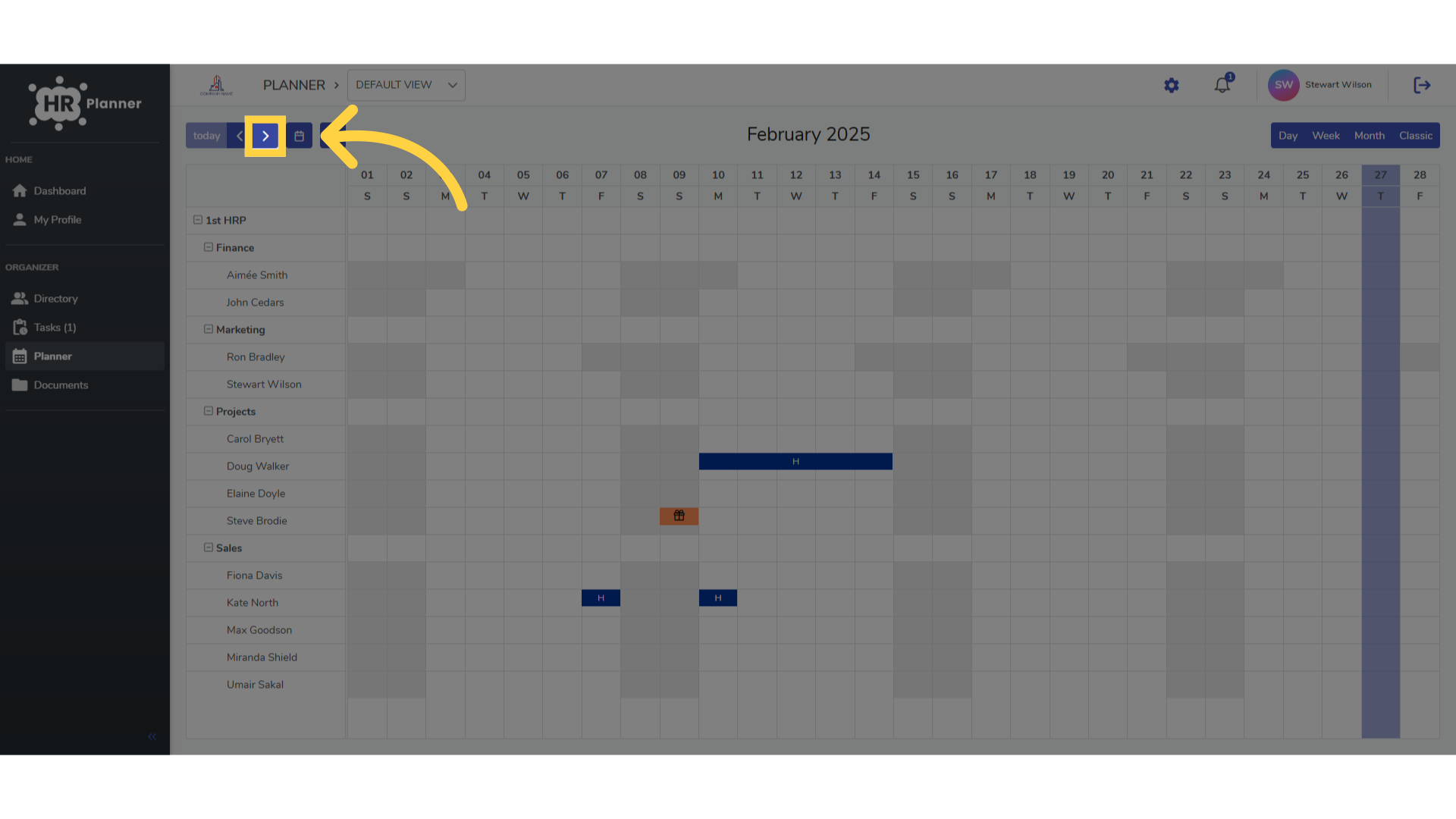
3. Click here
Locate the month you wish to request leave for.
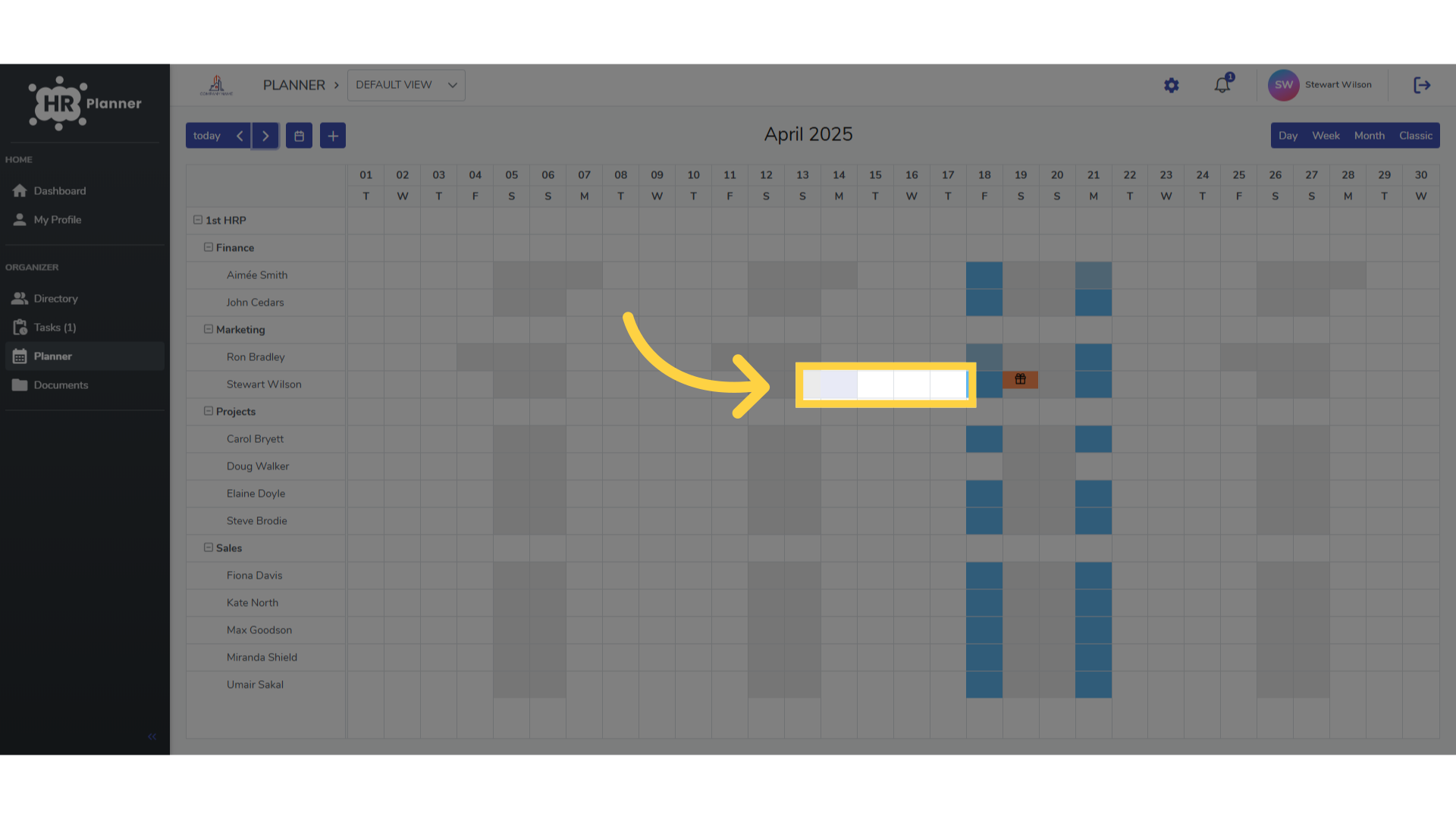
4. Click and Drag
Click on the start date and drag to the end date.
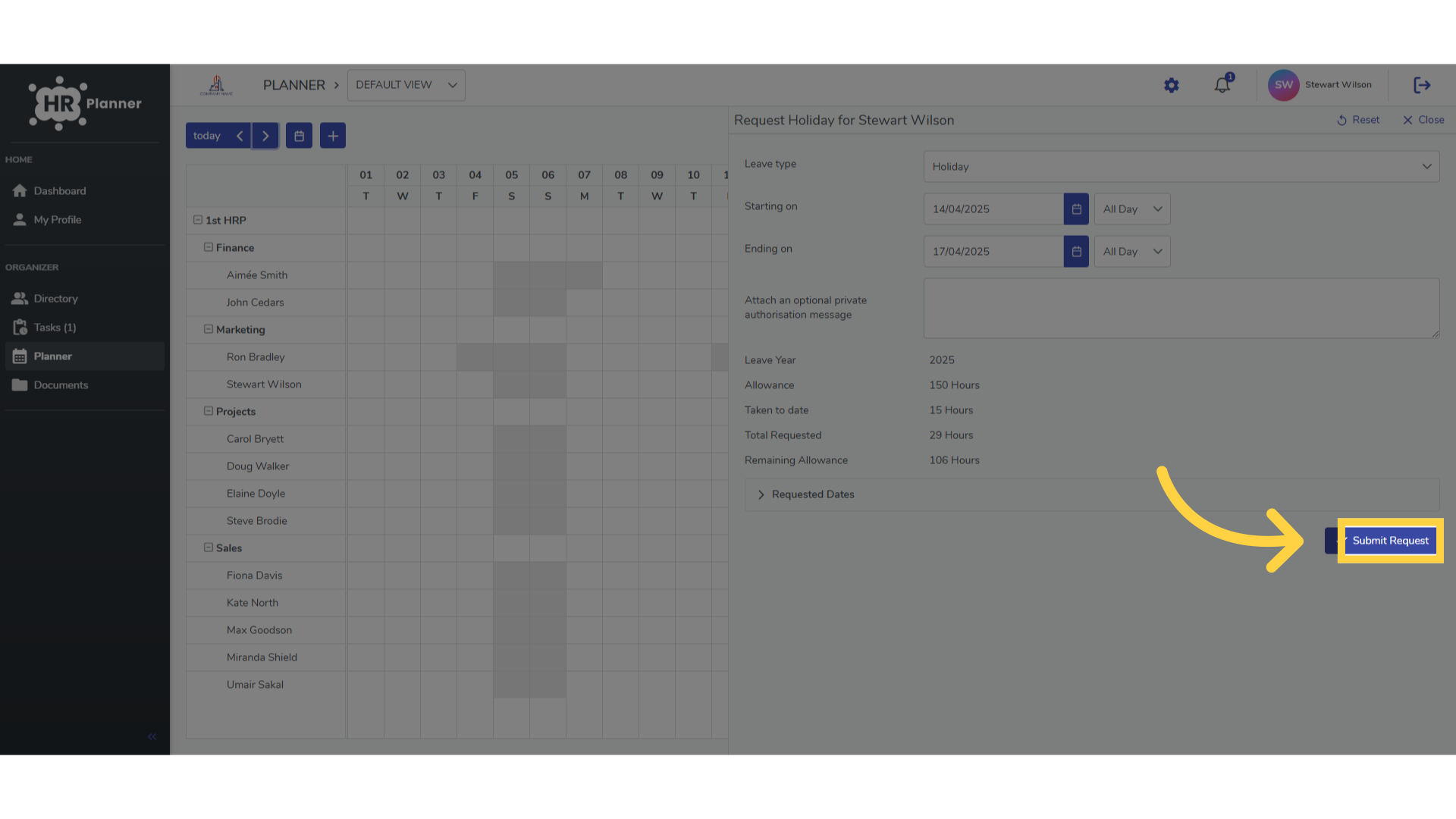
5. Click “Submit Request”
Complete your leave request by clicking on “Submit Request”.
This guide covered the process of requesting leave from the calendar in H R planner, including accessing the calendar, selecting dates, choosing the type and duration of leave and submitting the request.