
You can upload your company logo along with a splash image to display on your unique Login page. Your logo along with a splash image helps reinforce that people are logging into the right platform and are not providing their credentials on a fake website.
To get started navigate to Settings and then click Setup.
In the Theme section you can change the Logo and Splash Image as displayed below.
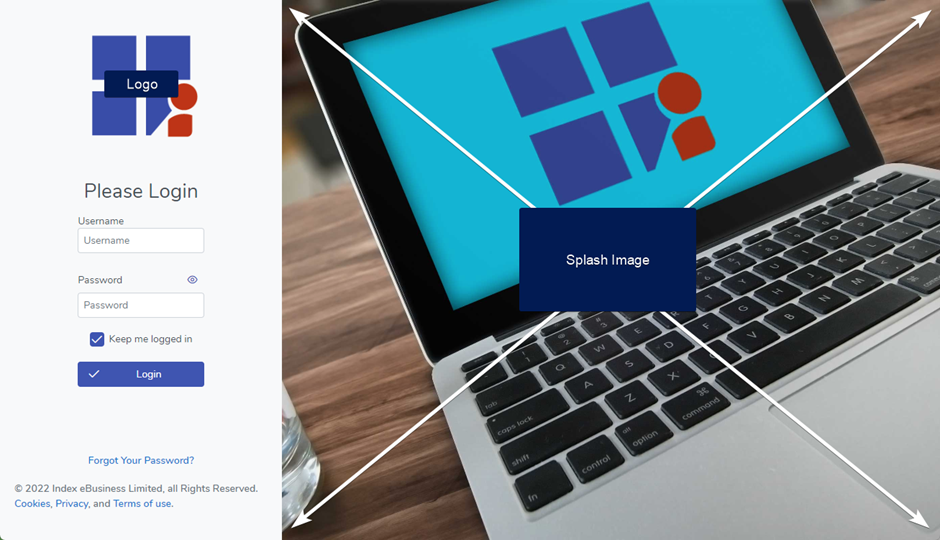
If you need to reset the Logo or Splash Image back to default simply click the reset button