
An explanation of attributes and sections in HR Planner.
1. Introduction
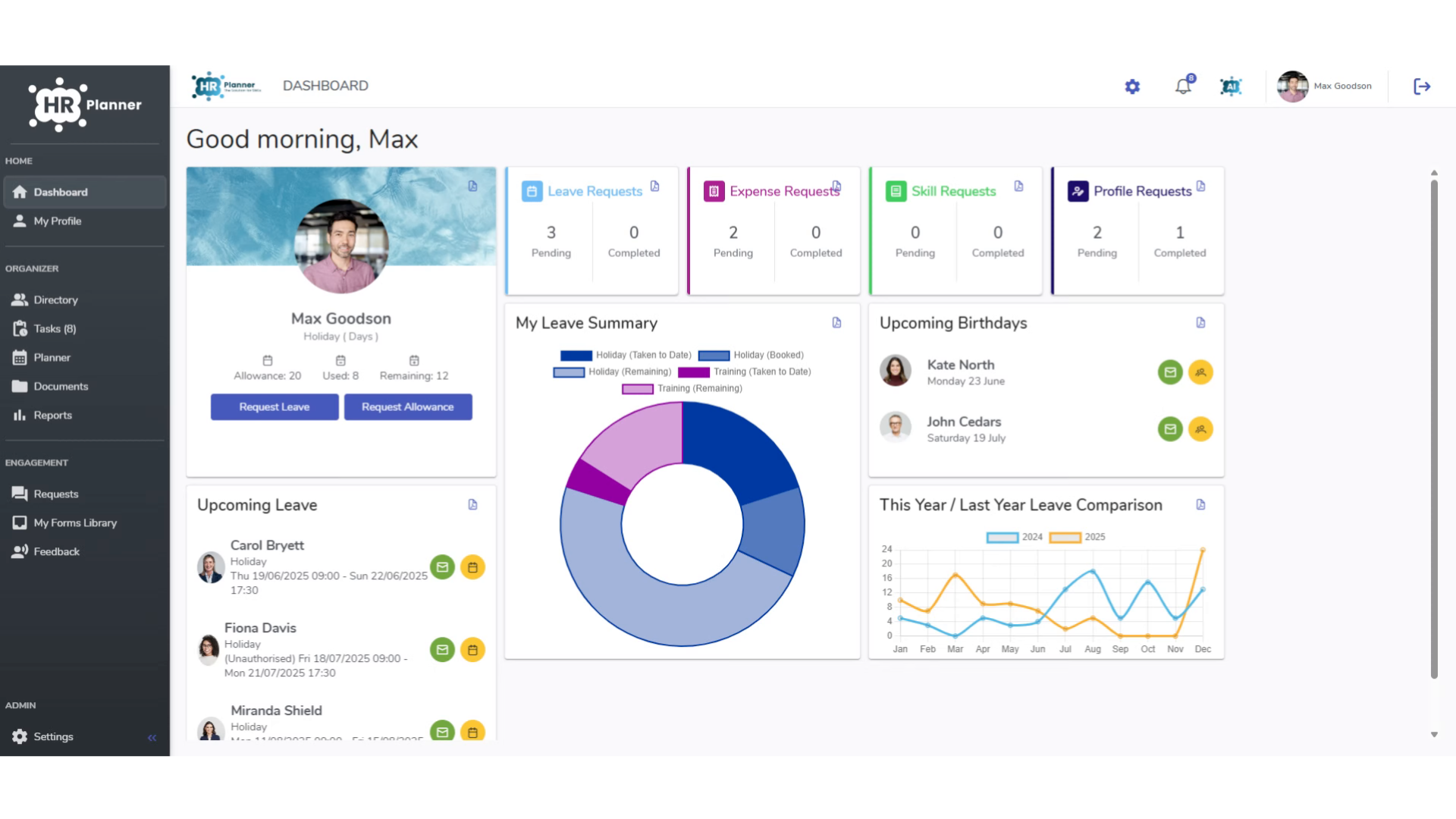
From adding employee names, phone numbers or even salary and emergency contact details this guide will explain attributes and sections.
2. What are Attributes?
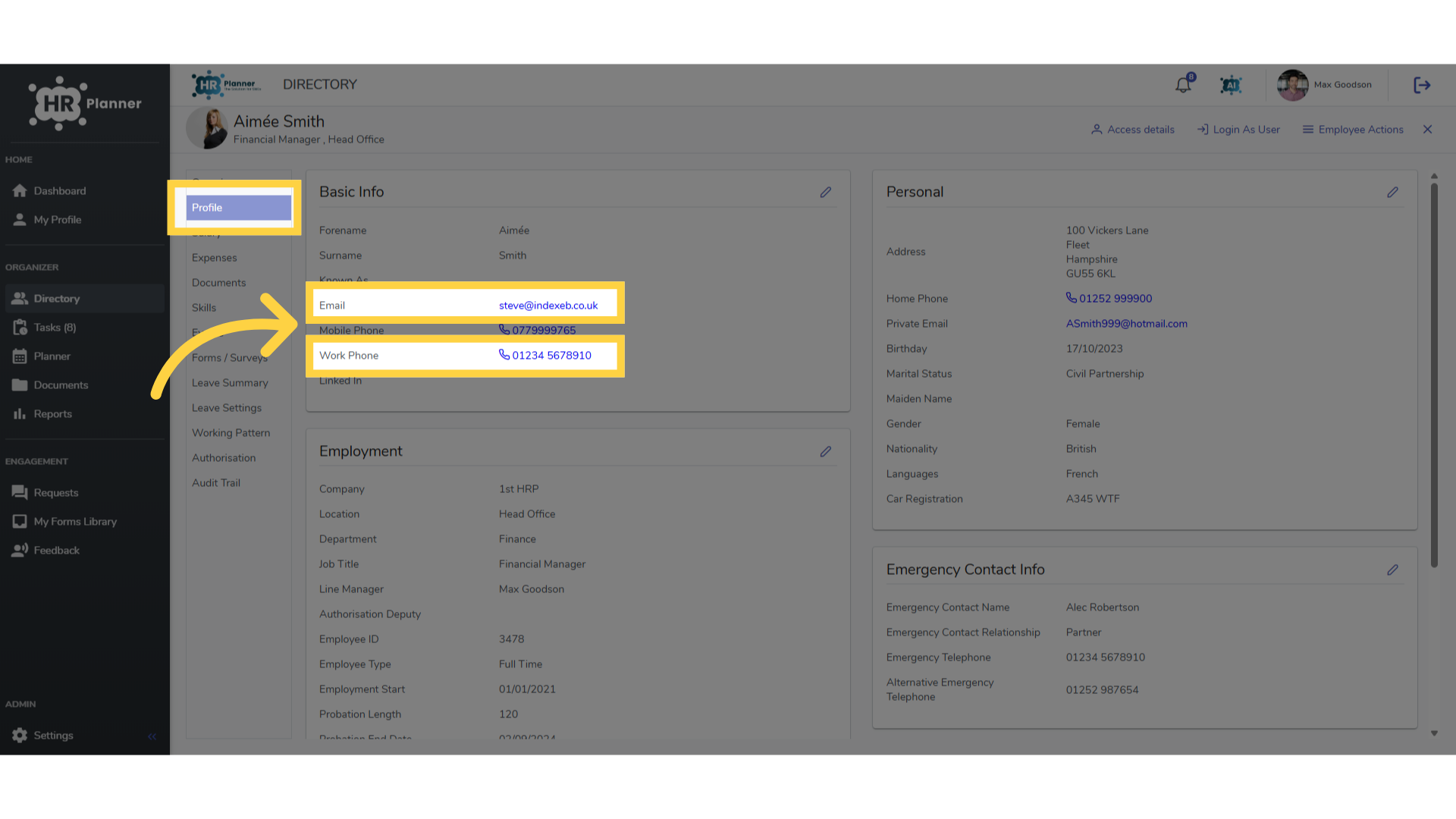
Attributes are fields for data. There are many default attributes such as the employees email address or phone number.
3. What are Sections?
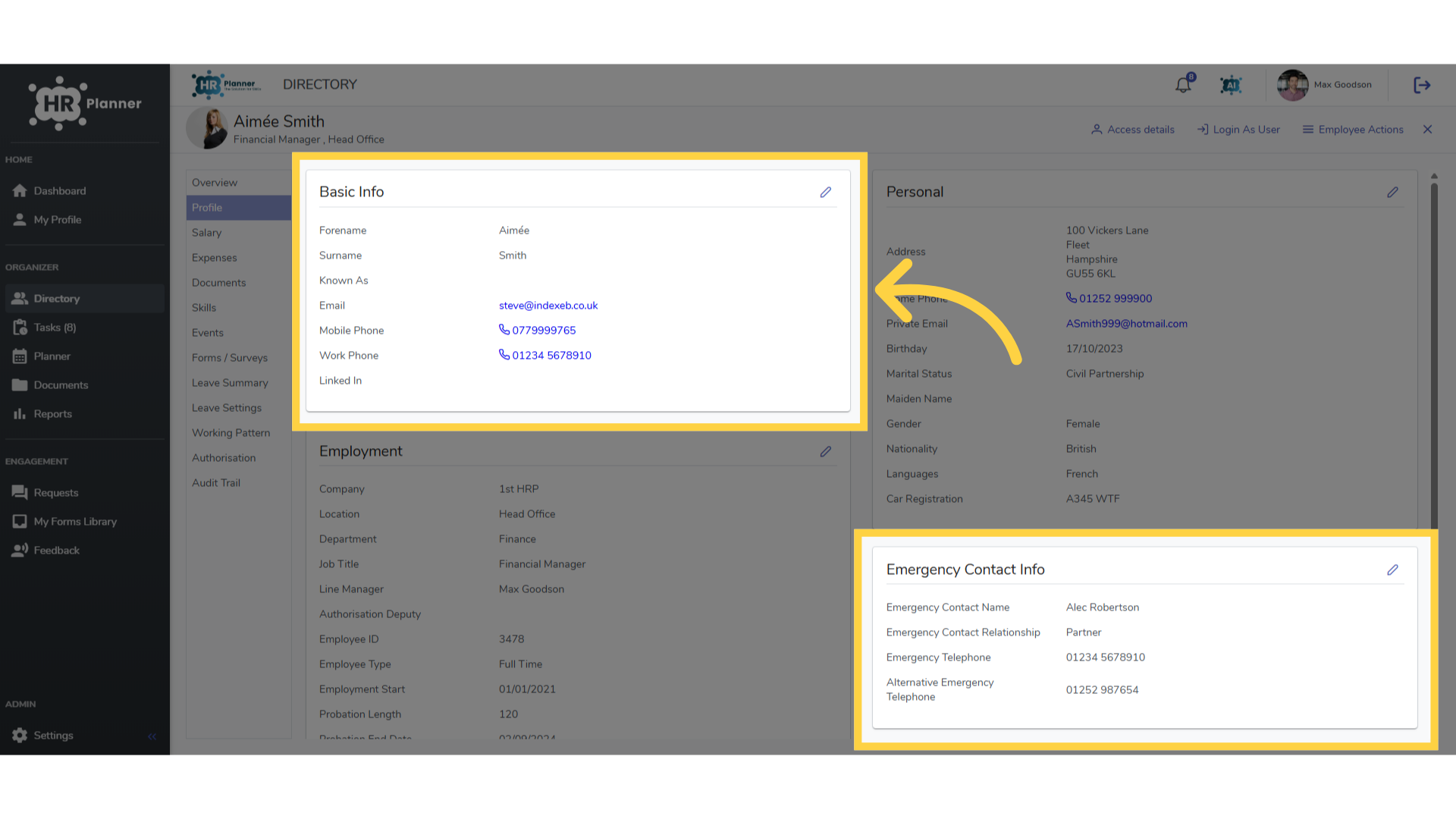
Attributes are collected together in Sections such as Basic Info or Emergency Contact Details.
4. Adding Attributes
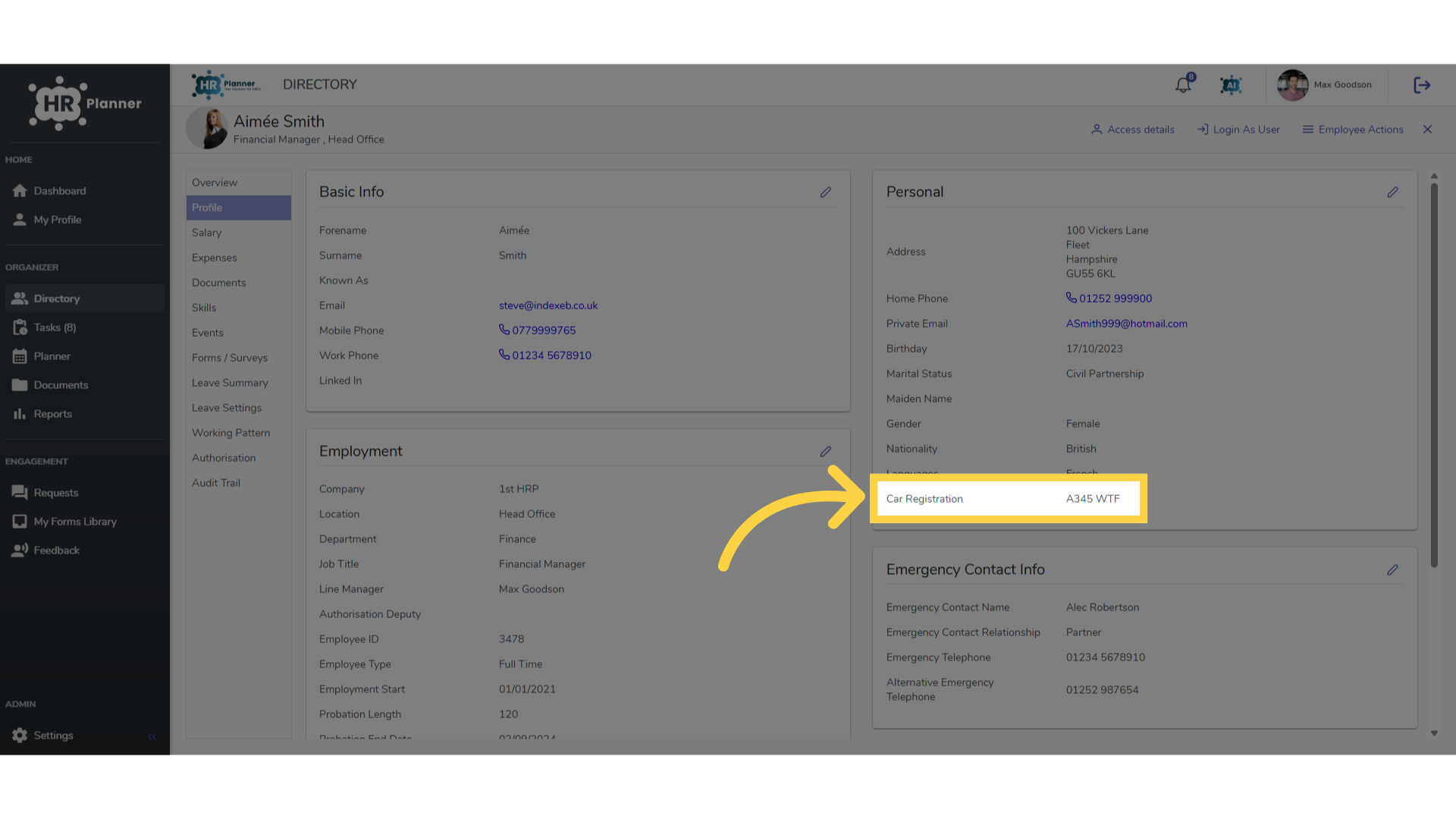
You can add your own Attributes to capture data important to your organisation, such as an employees car registration.
5. Adding Sections
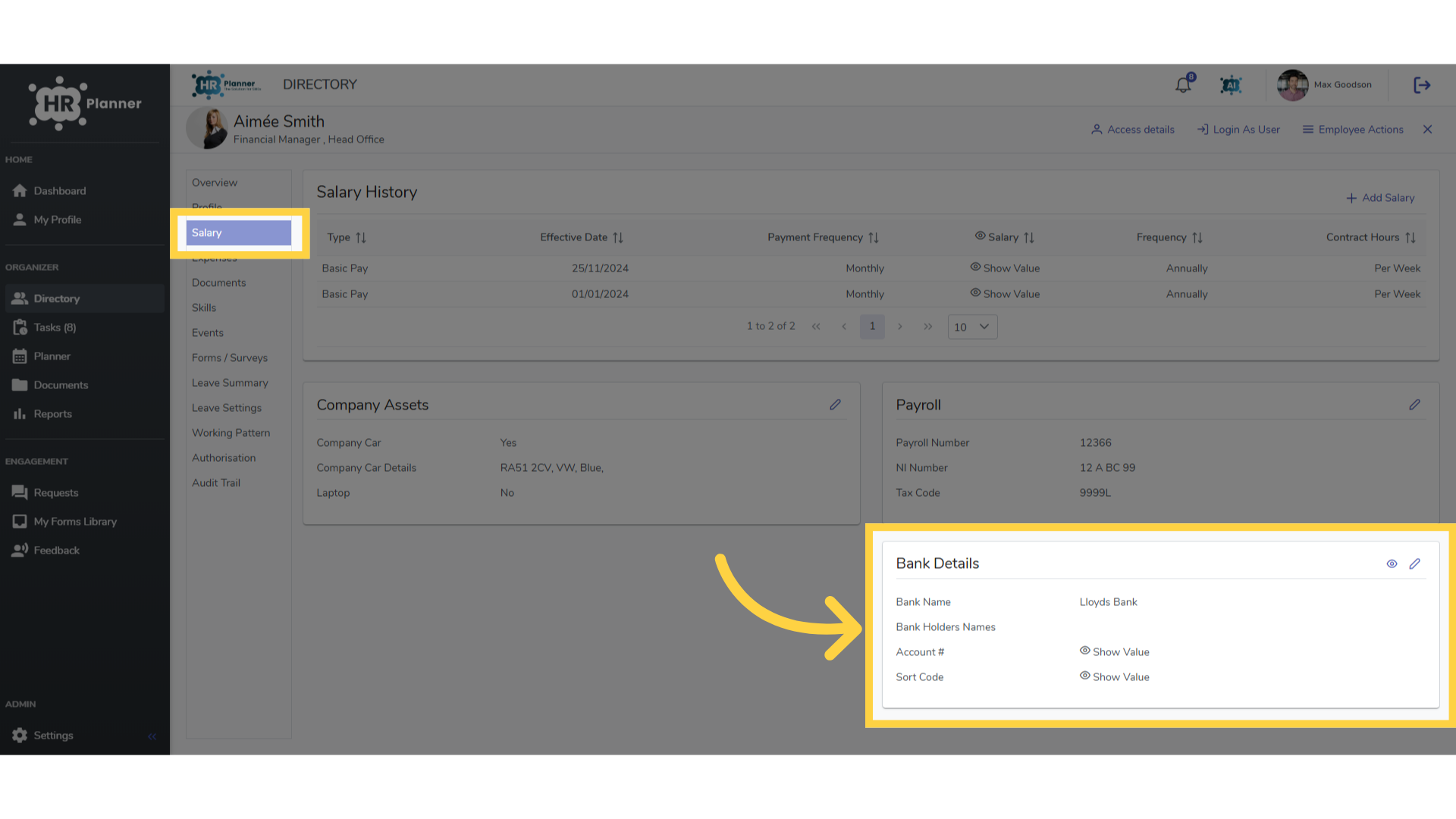
You can also create your own Sections to group together specific information. For example, an employees Bank Details.
6. Attribute Options
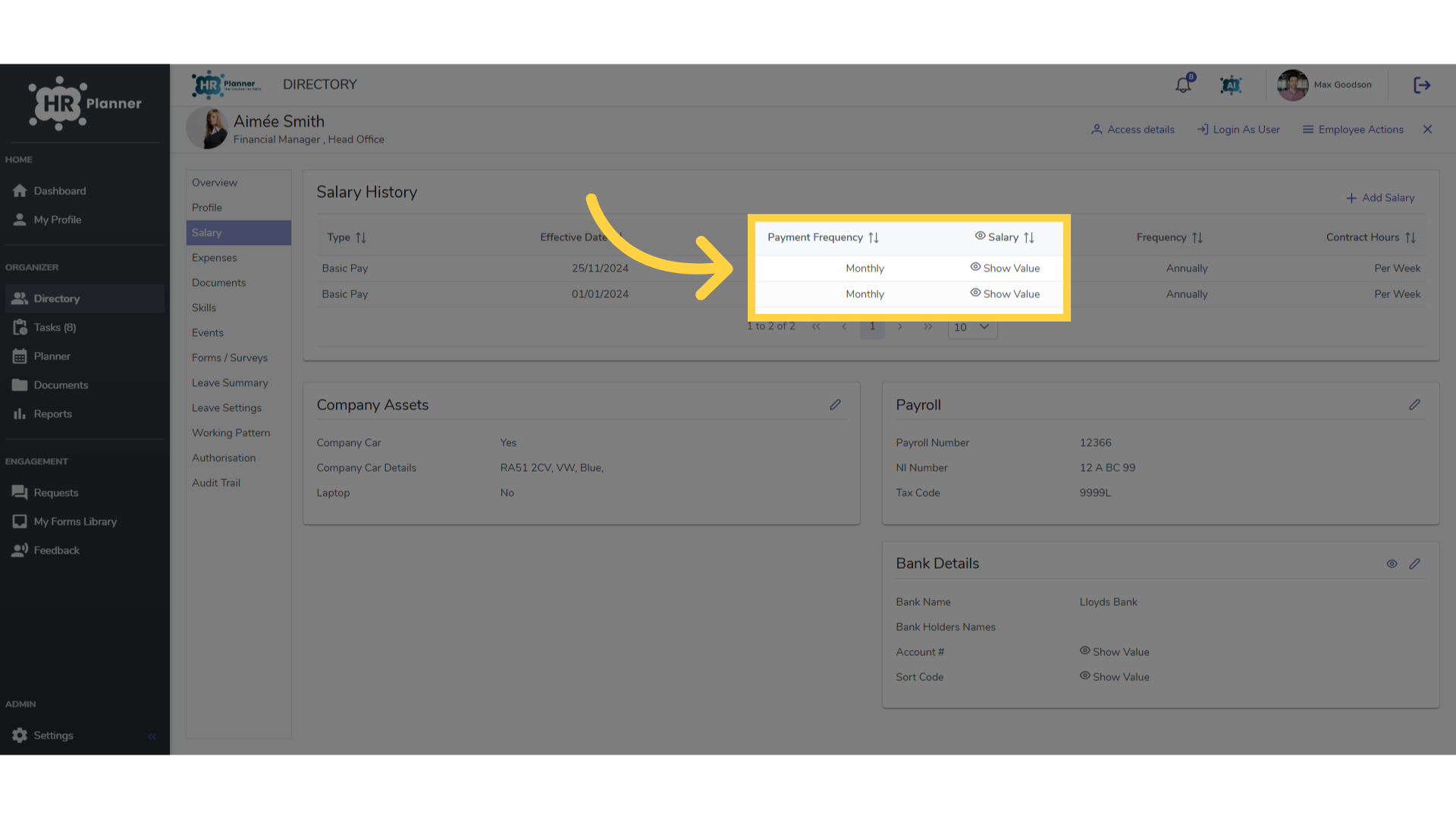
Attributes have a variety of formats, such as general text, dates, or the option to choose from a list. You can even hide data from view for sensitive data.
7. Accessing Attributes
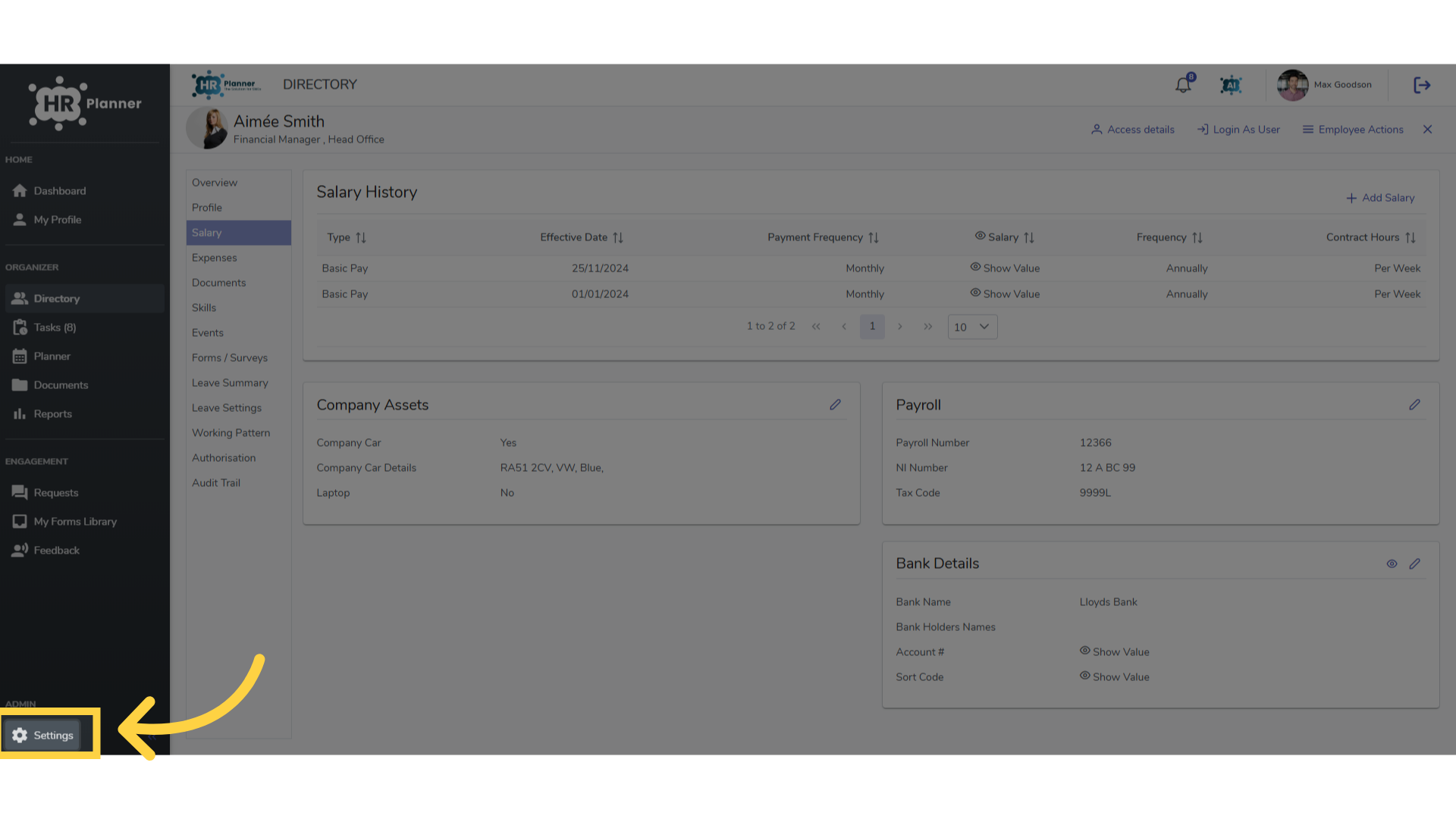
Attributes are managed in the Settings area.
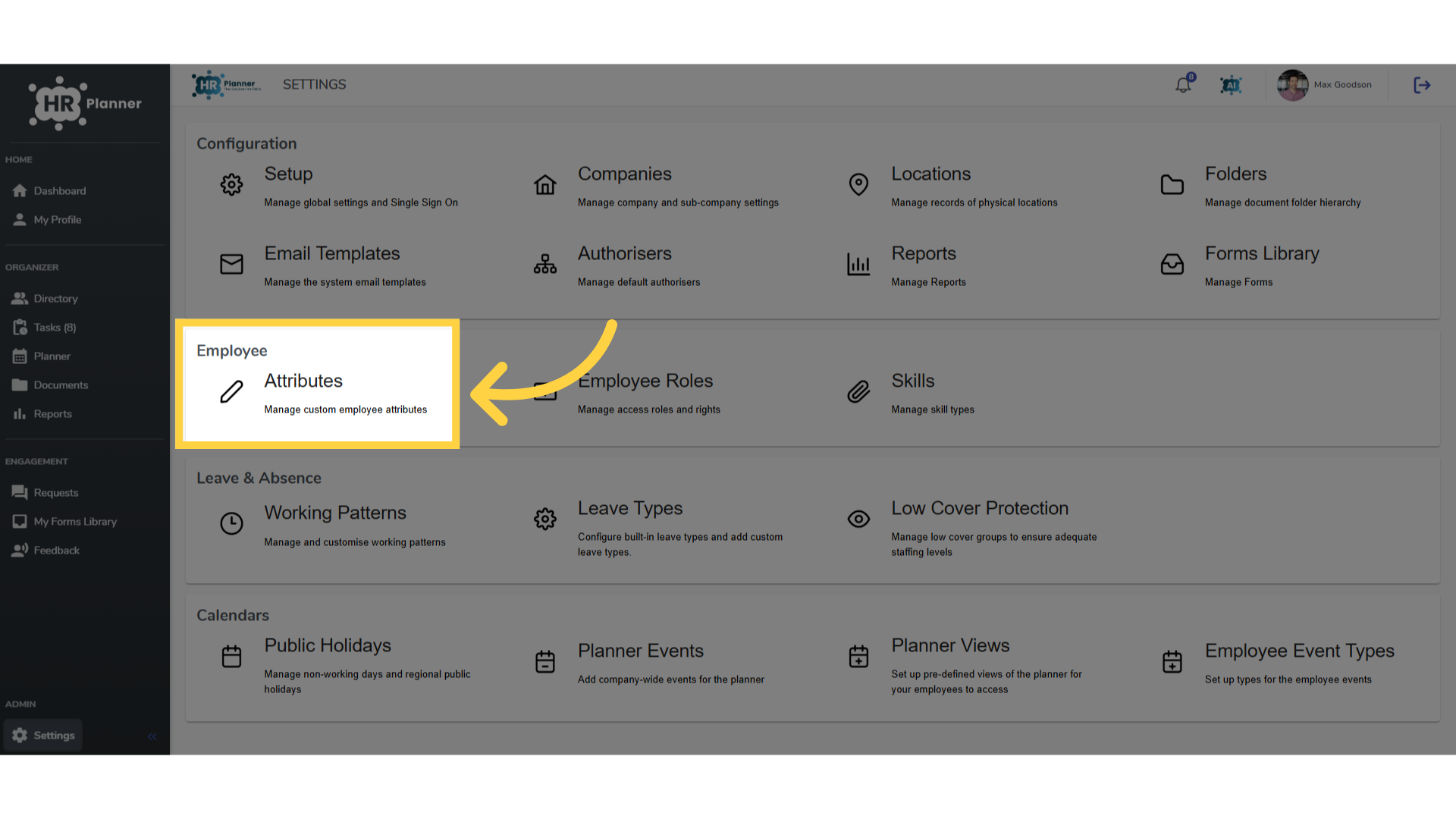
8. Click “Attributes”
In the Attributes section.
This guide covered the basics of Attributes and Sections. There are further guides to creating and managing attributes available in the help section.