
Here’s how to access the Artificial Intelligence chat feature in HR Planner
1. Introduction
This guide will walk you through efficiently utilizing the AI feature, accessing questions and viewing previous chats.
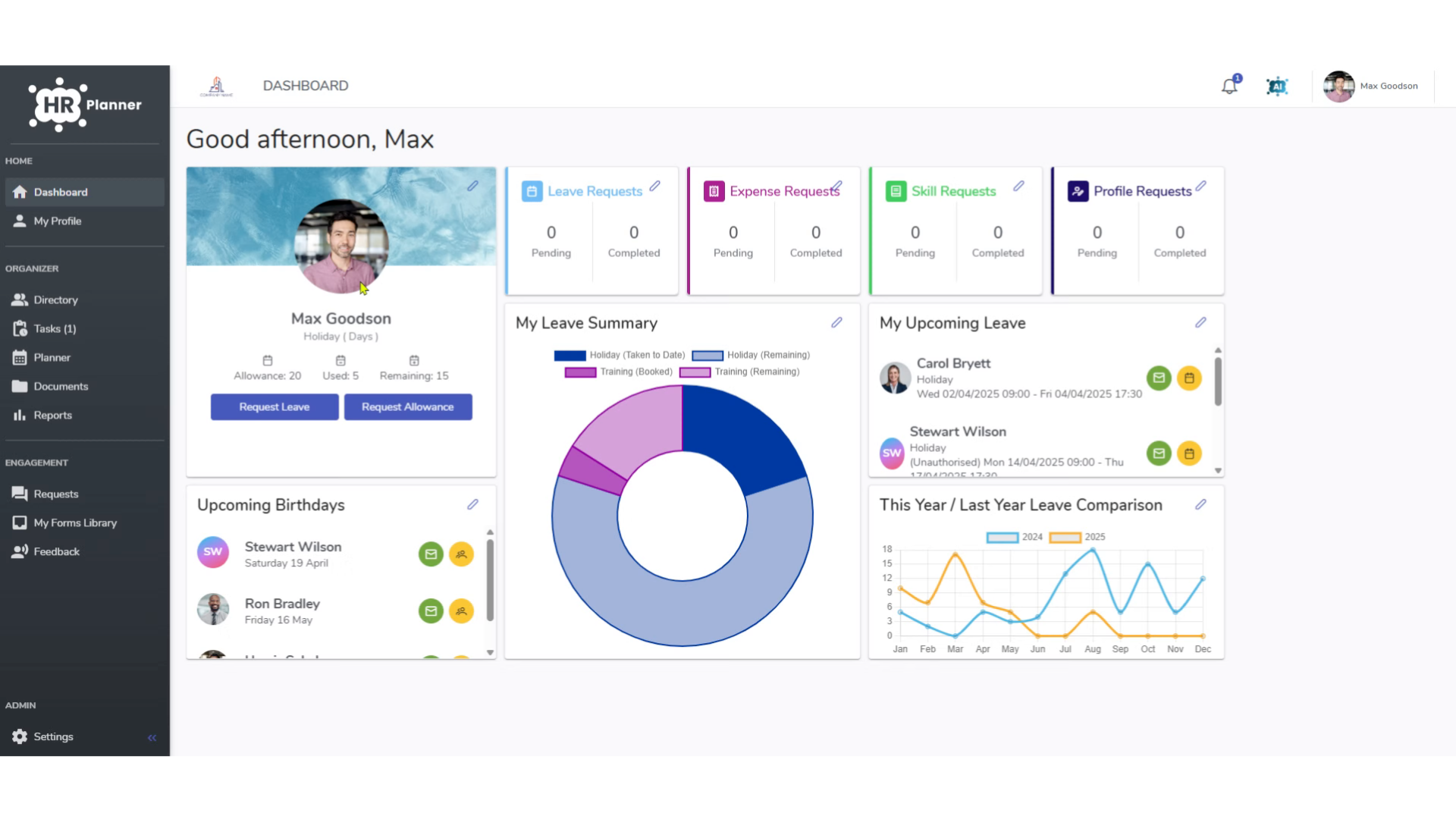
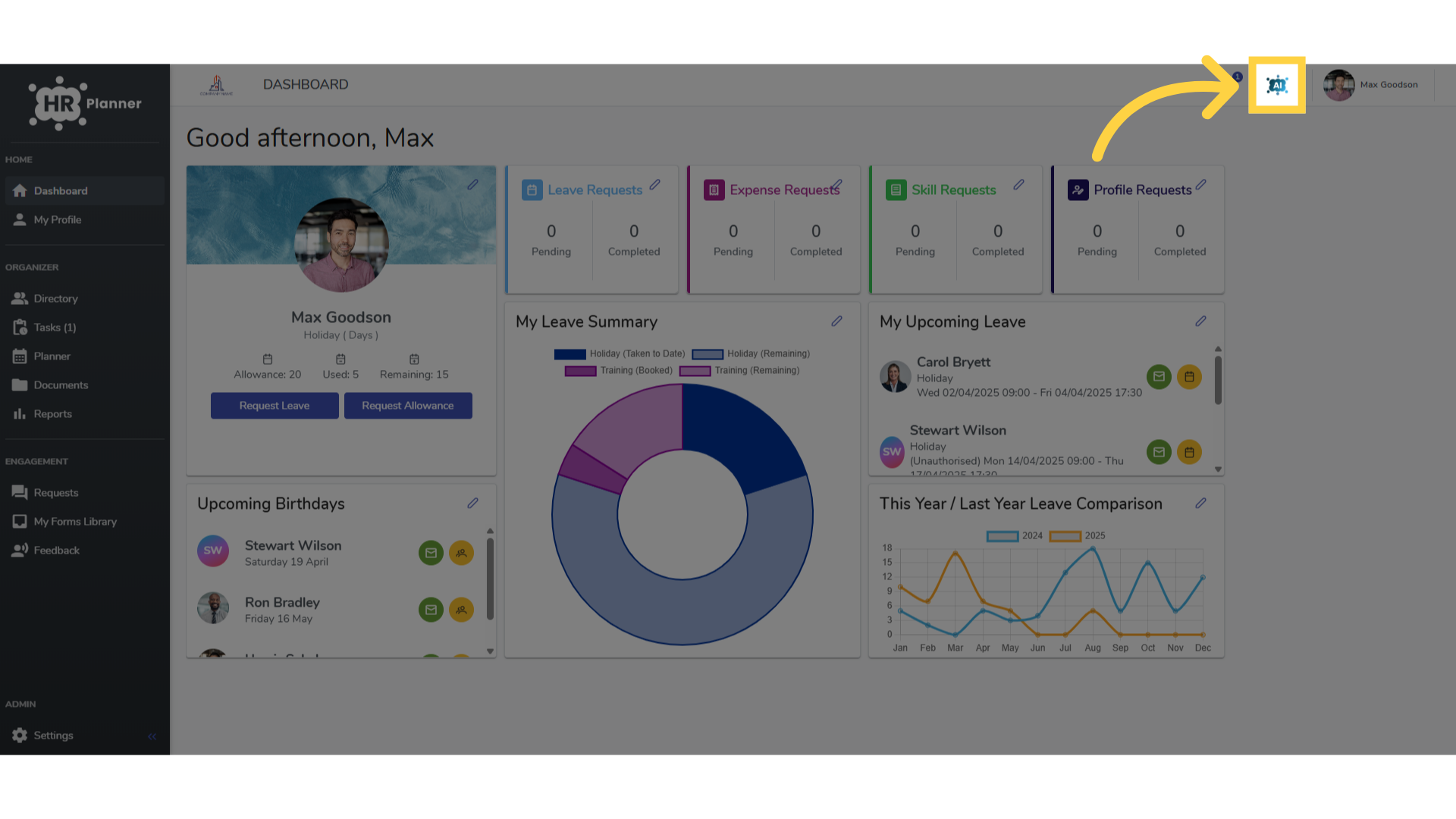
2. Click the AI icon
To access click the AI icon in the tool bar.
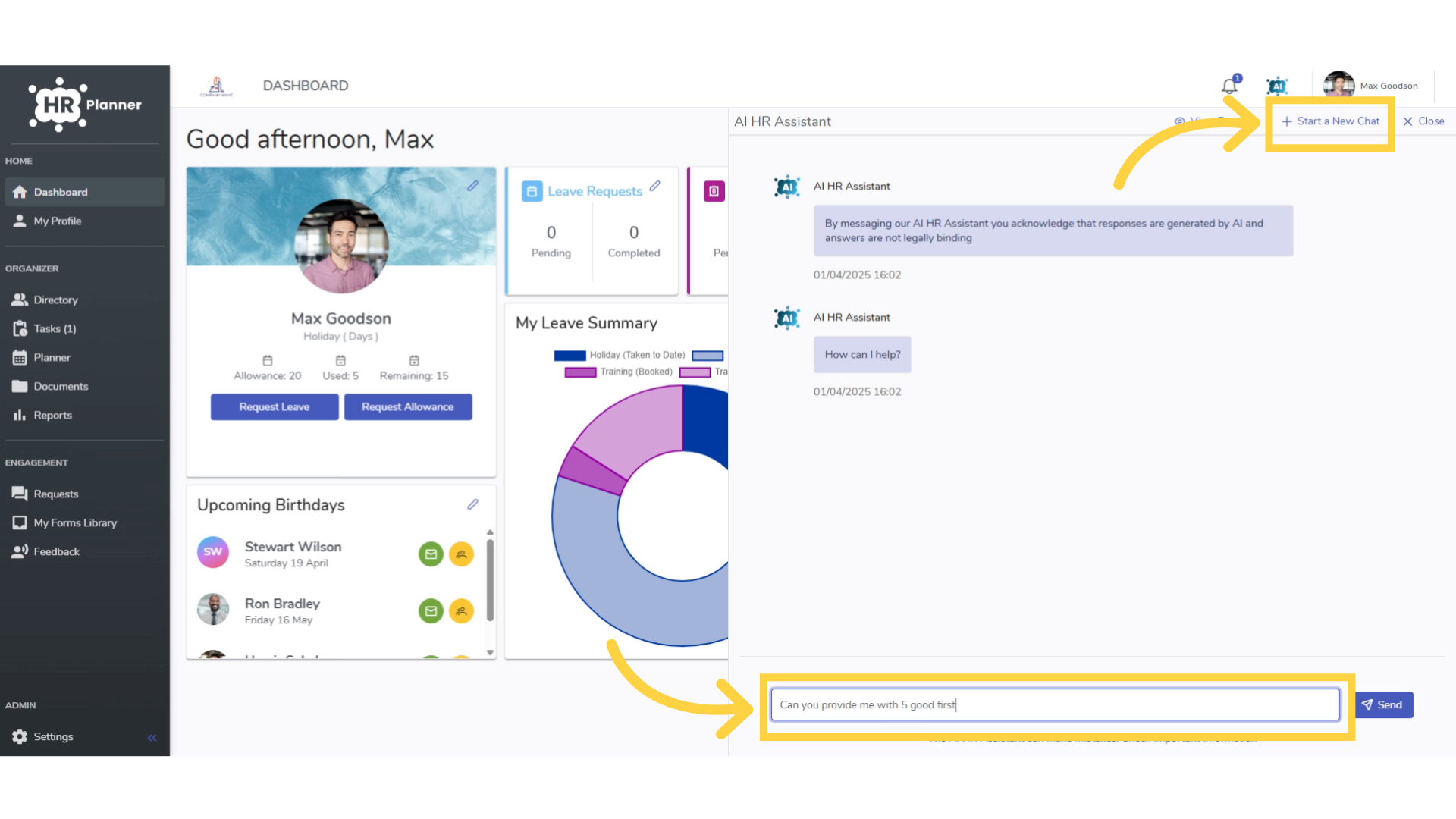
3. Type your question
Then click “Start a new chat” and type your question at the foot of the page.
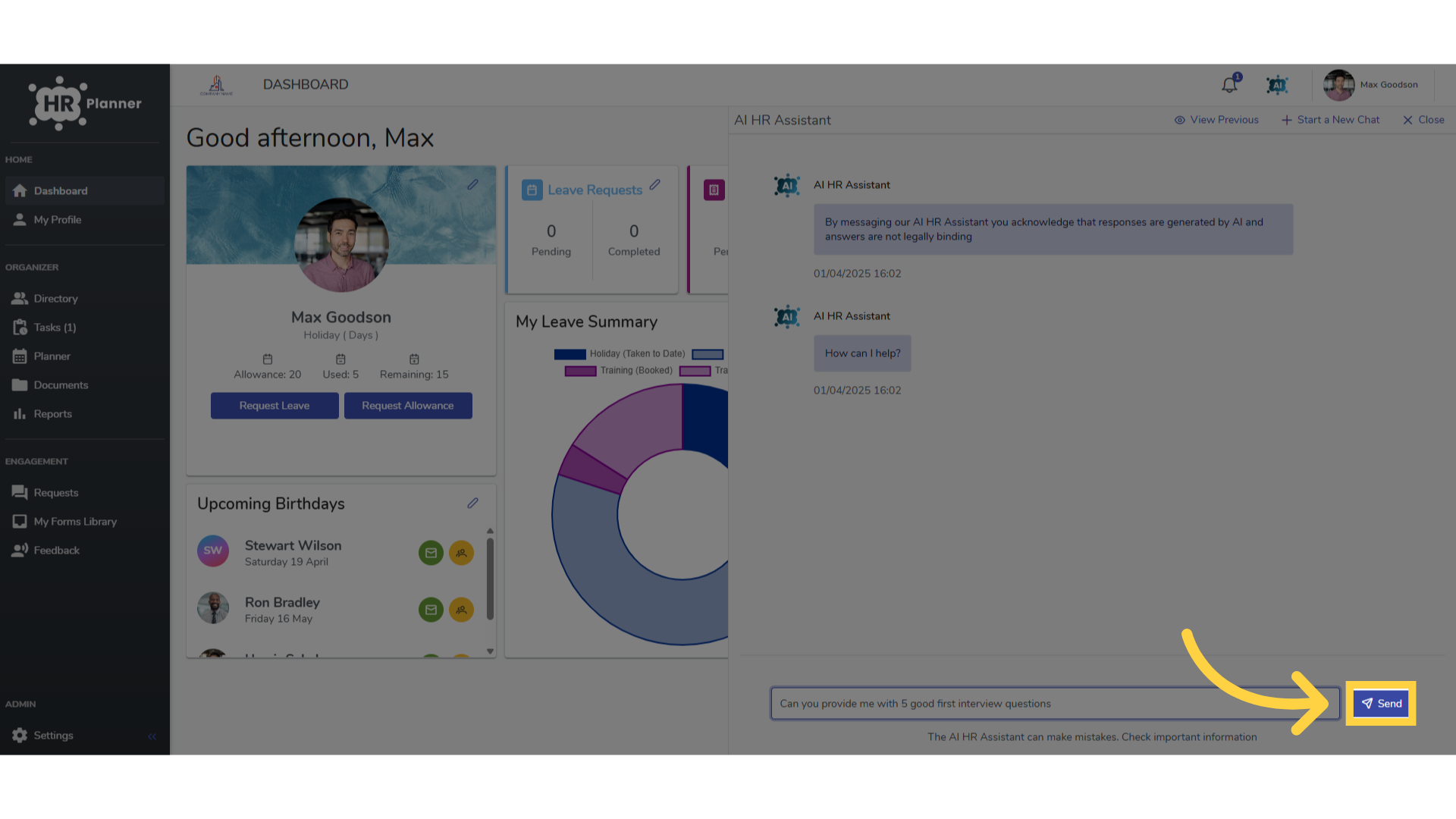
4. Click “Send”
Click send
5. View reply
and the reply to your question with links to its sources will appear in a few seconds.
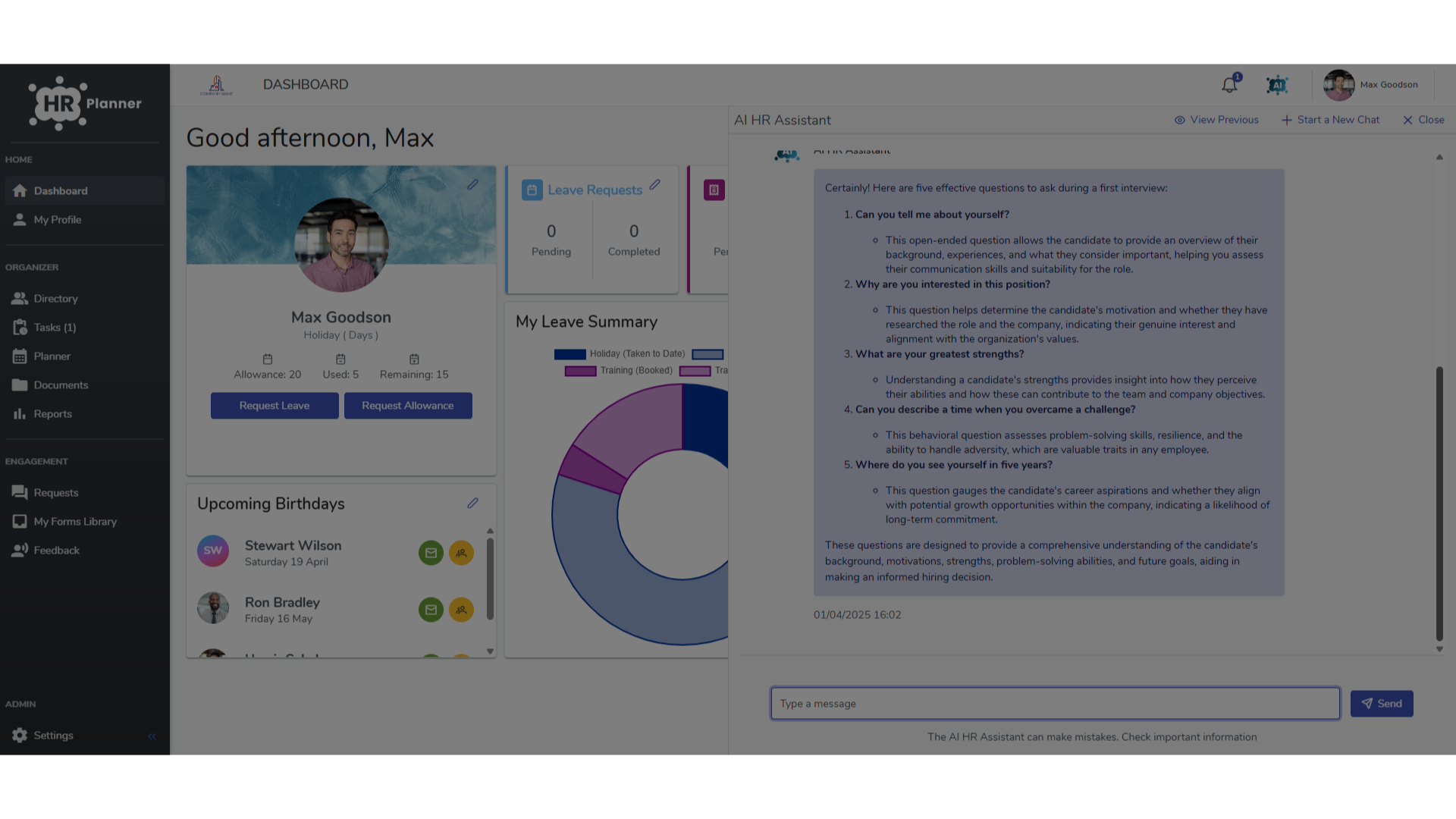
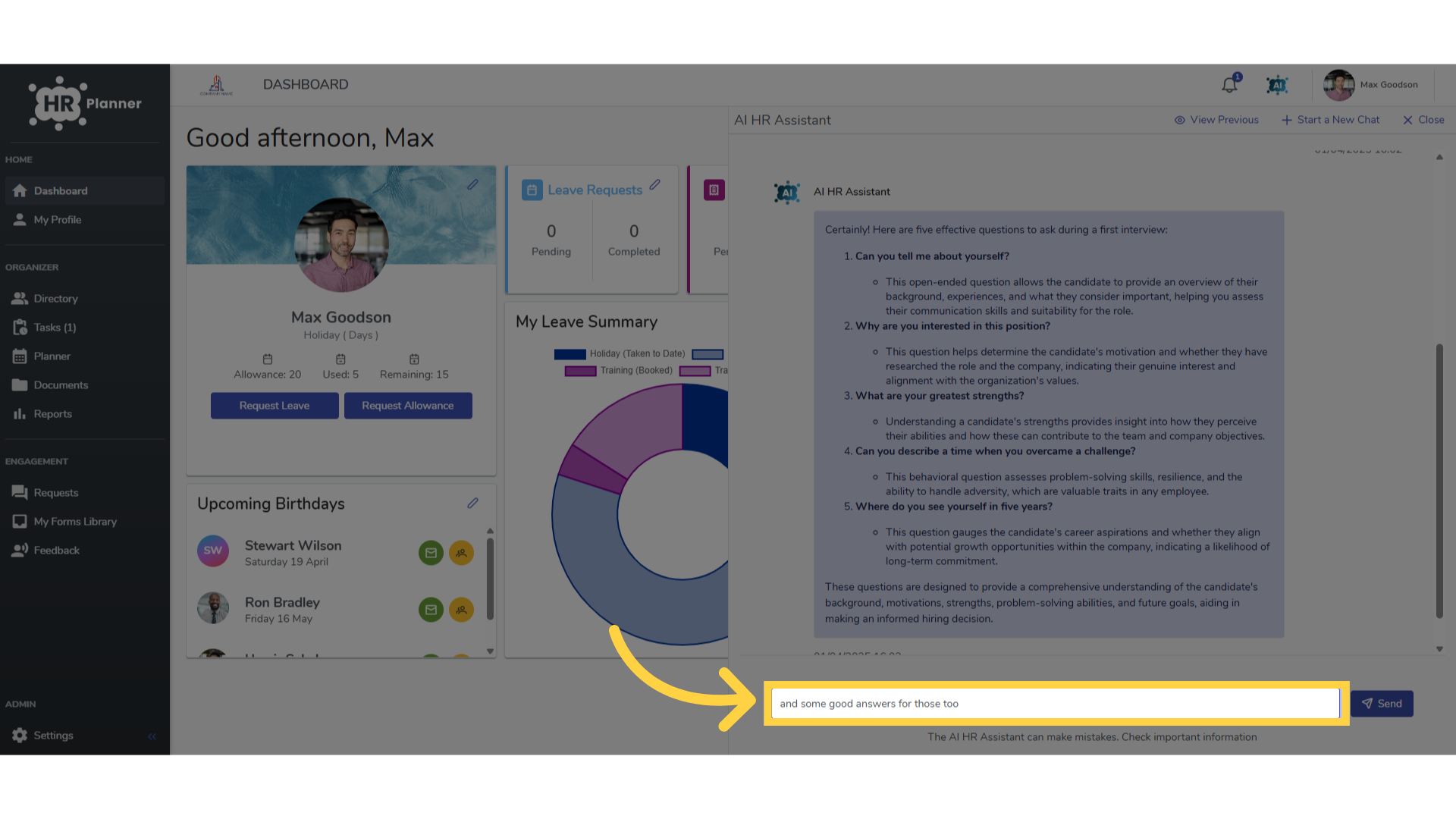
6. Continue the chat
You can continue the chat with follow up questions.
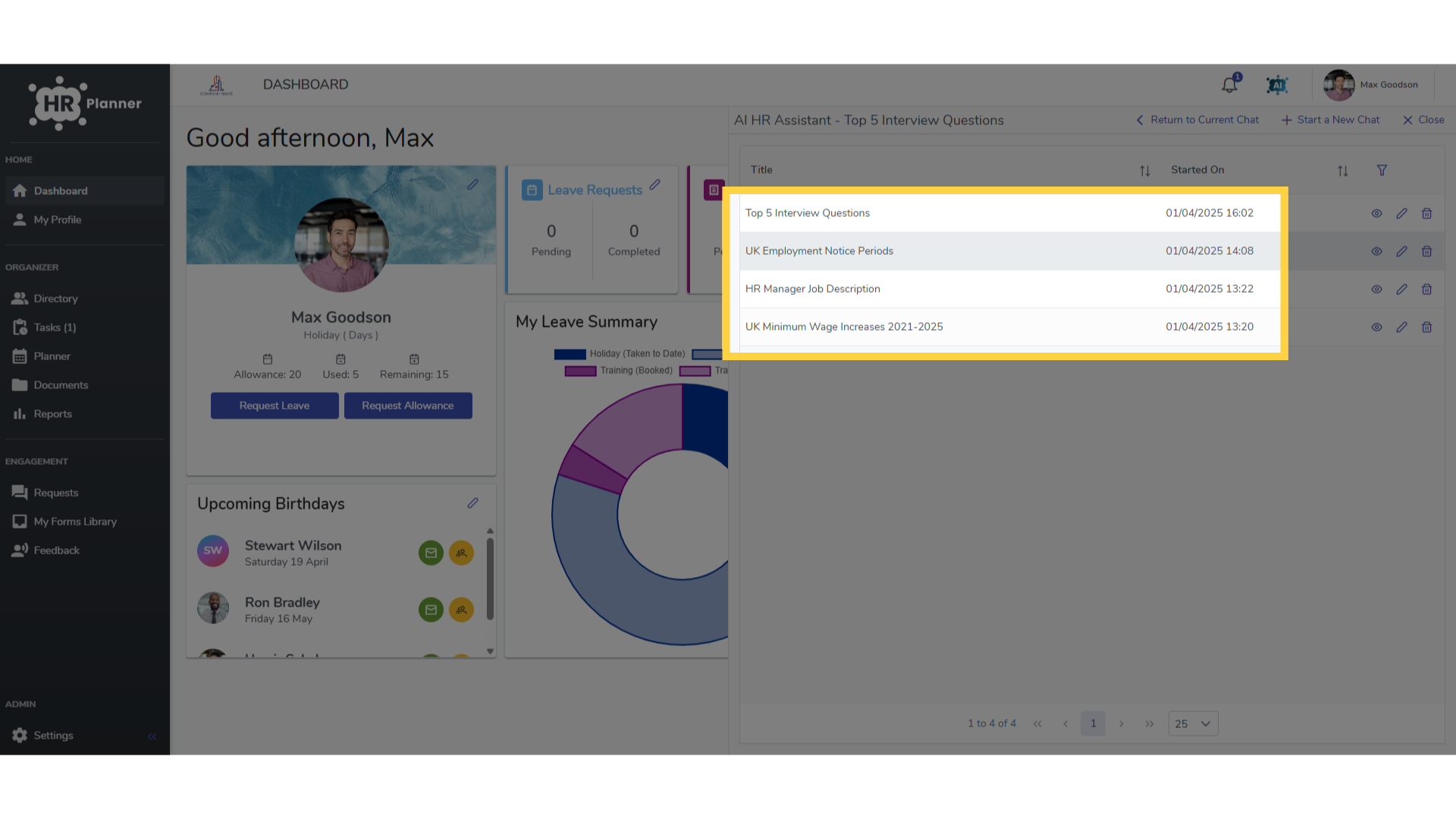
7. Previous Chats
and can view your previous chat history in this section too.
This guide covered using the artificial intelligence chat feature in HR Planner.